Employee Feedback and Survey Software for HR Teams

Collect employee pulse surveys, requested feedback, peer input, and upward feedback through configurable workflows with role-based access, reminders, reporting, and action tracking.

Configurable Surveys

Role-Based Access

Action Tracking

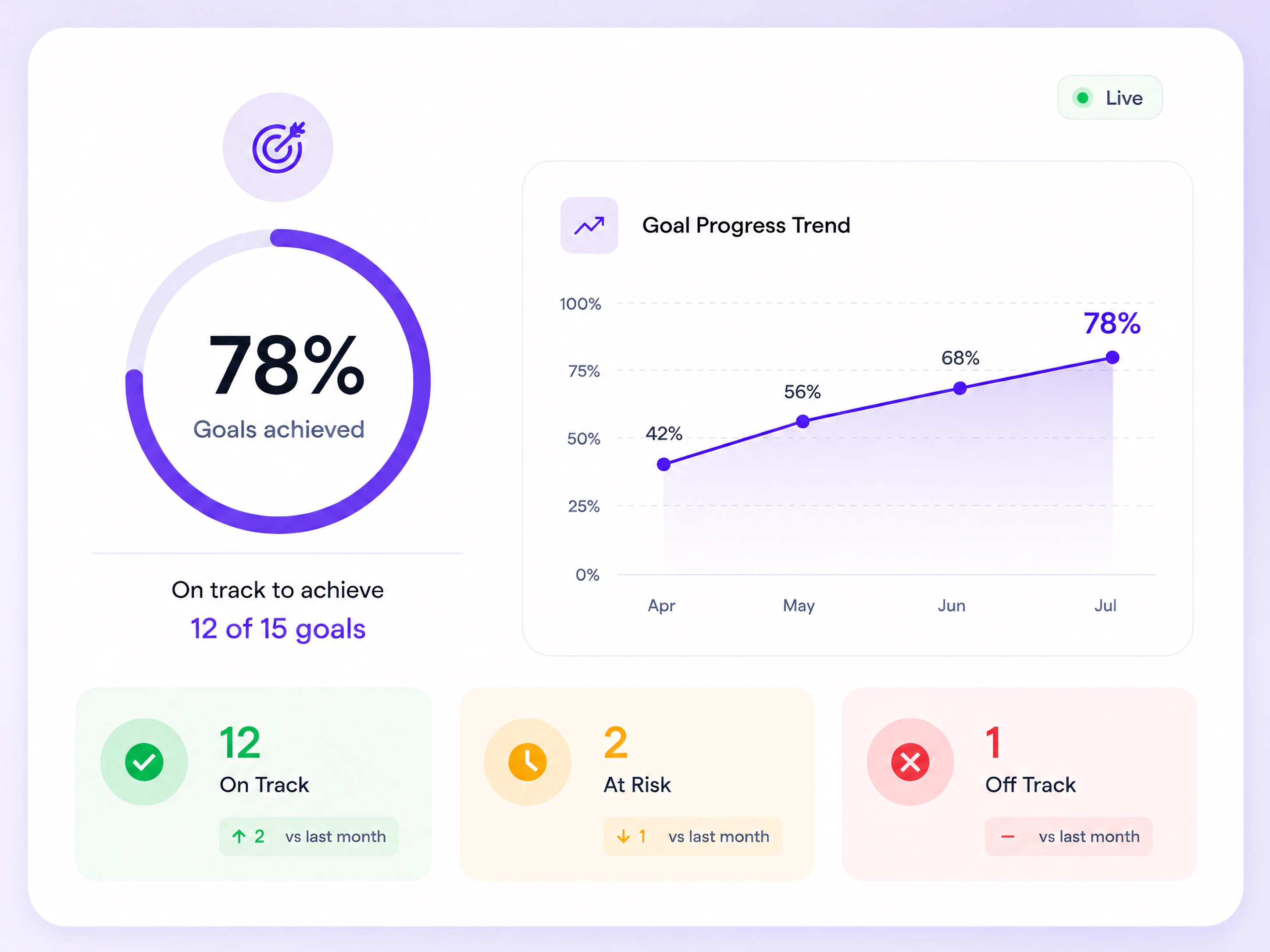
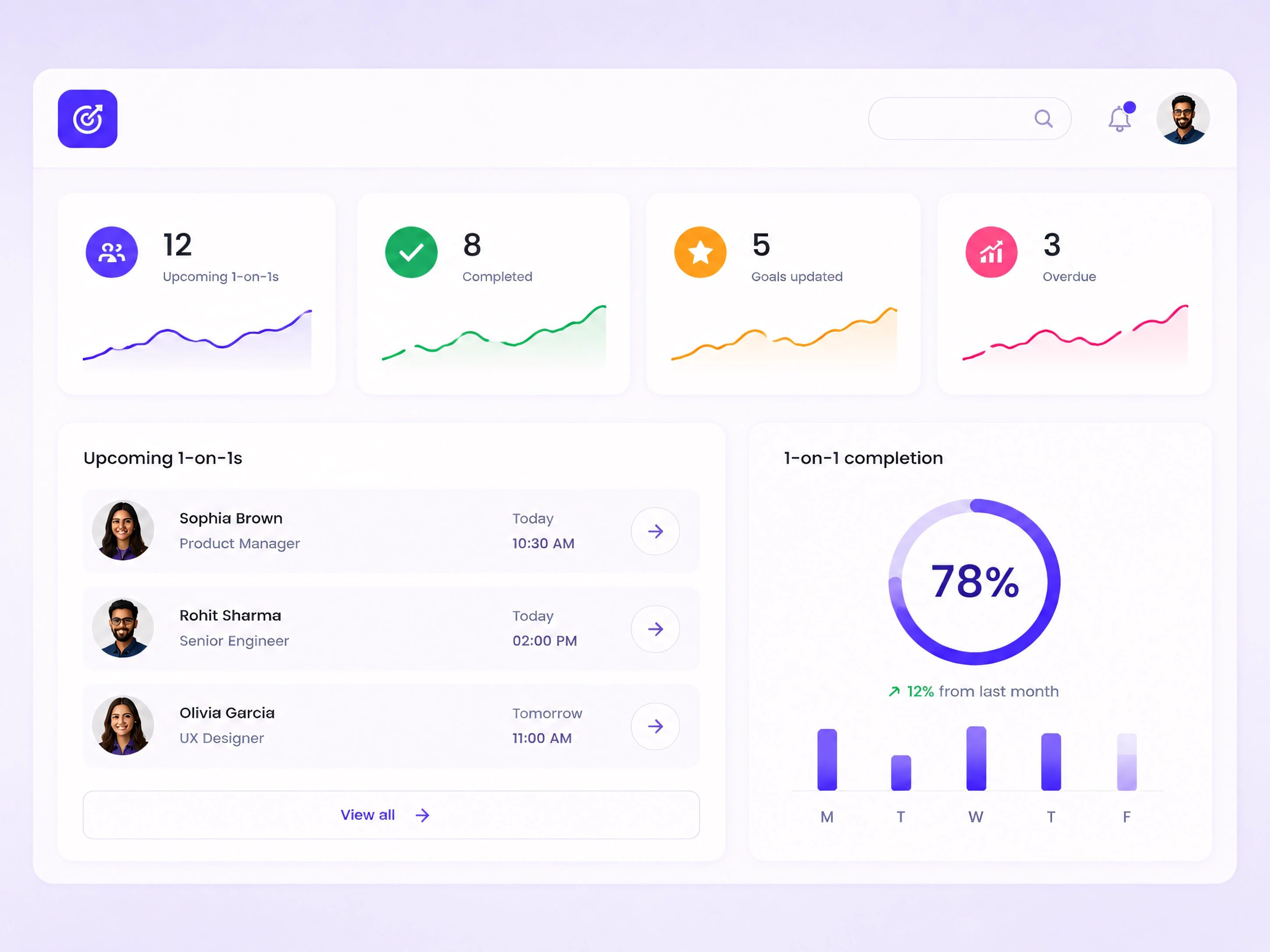
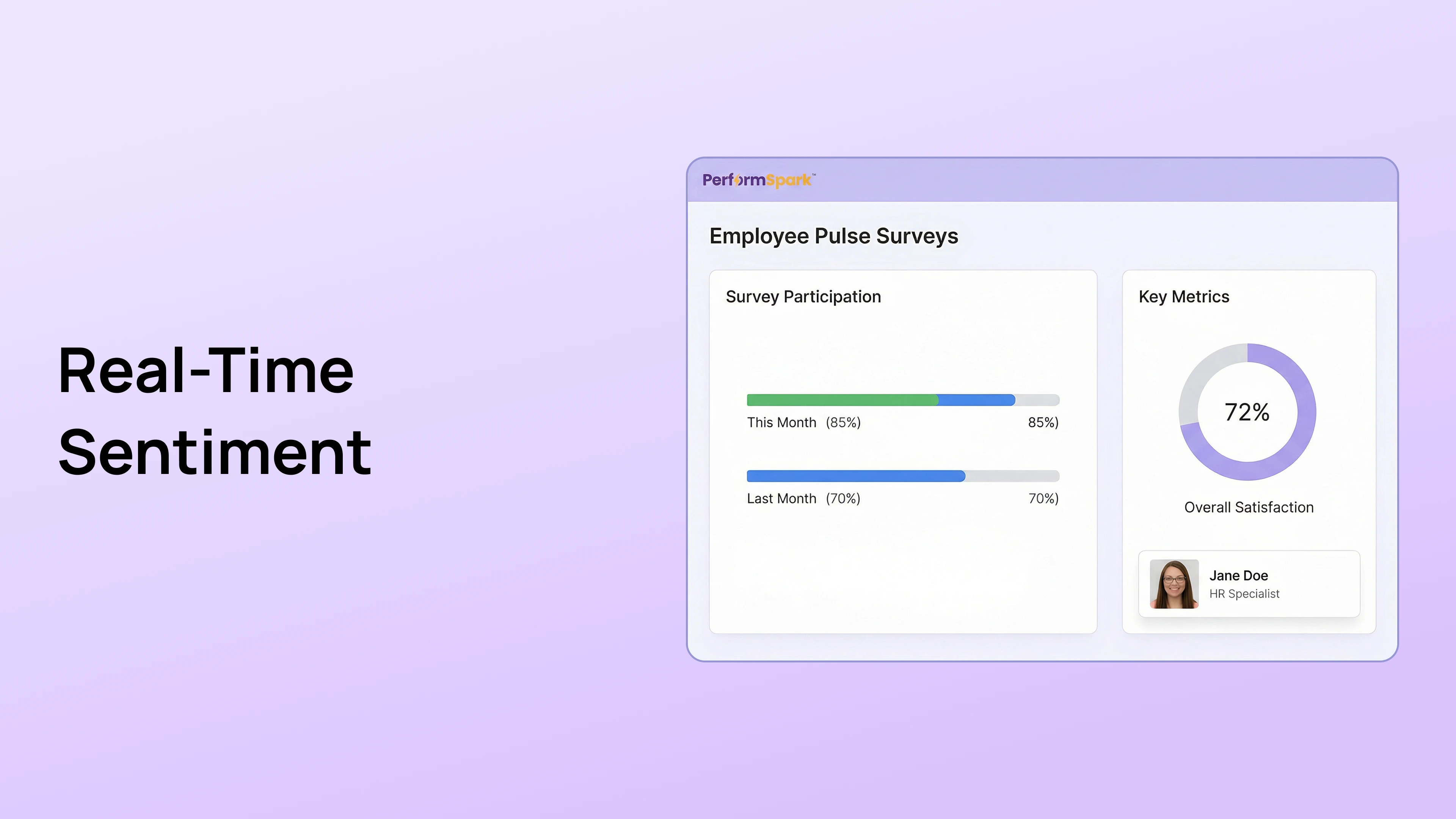
Employee feedback and survey software dashboard

Employee Feedback Software for Surveys and Continuous Input

Choose the feedback method that matches the question, audience, working relationship, confidentiality requirement, and follow-up decision.

Employee pulse survey workflow

Run focused employee pulse surveys

Launch short surveys for a defined workforce question, eligible population, review period, confidentiality model, and follow-up owner.

Explore employee feedback reporting and analytics

Requested employee feedback workflow

Request feedback in the flow of work

Invite relevant managers, peers, direct reports, or partners to comment on a project, behavior, competency, or development question they were able to observe.

Peer and upward employee feedback workflow

Collect peer and upward feedback

Gather perspectives from people with relevant working experience while explaining the purpose, visibility, confidentiality, and intended use of the feedback.

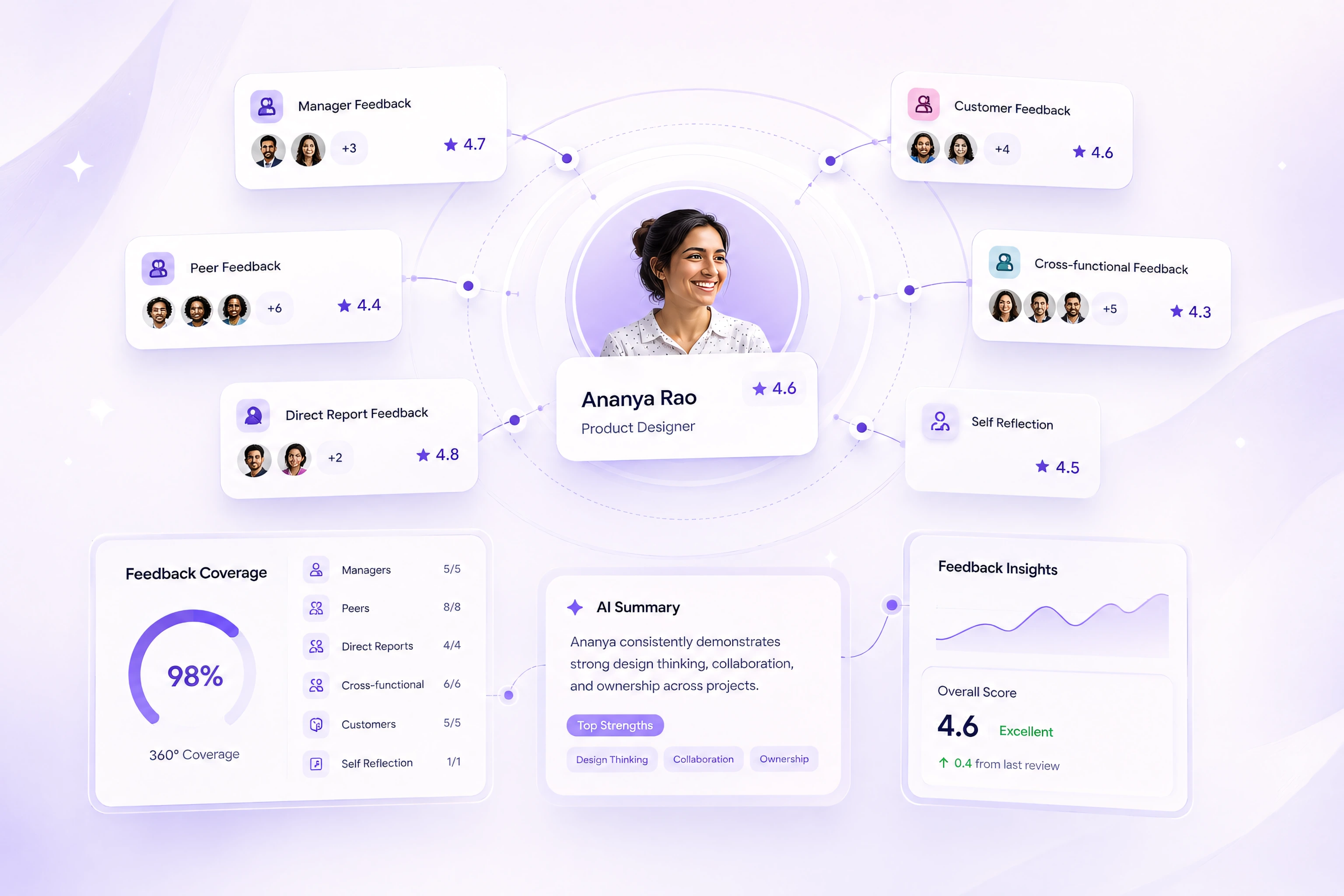
See how 360-degree feedback supports multi-source input

How Employee Feedback Software Works

Configure the audience and questions, collect responses, review participation and patterns, then assign the appropriate follow-up.

Configure, Collect, Review, and Follow Up

Review feedback with the right context

Employee feedback results with participation and context
Employee survey response analytics
Configure the audience and questions
Define the purpose, eligible participants, question set, dates, visibility, confidentiality, and administrator responsibilities before launch.
Employee feedback response patterns and comments
Collect responses through scheduled workflows
Use configured invitations and reminders to support participation while keeping the purpose, deadline, and expected time commitment clear.
Employee feedback reporting dashboard
Review participation and response patterns
Use ratings, comments, response counts, and group comparisons as evidence for investigation rather than proof of sentiment or a specific cause.

Manage Participation, Confidentiality, and Follow-Up

Employee survey participation and reminder workflow

Protect the Feedback Process

Set the audience, response visibility, group threshold, reminder plan, review owner, retention approach, and follow-up process before collecting employee feedback.

Use a survey cadence that fits the question and the organization's ability to review and respond.
Send role-based reminders only to eligible participants and explain the purpose, due date, and expected time commitment.
Explain whether responses are attributed, confidential, or aggregated and who can view comments, reports, and exports.

Turn Employee Feedback Into Follow-Up

Connect feedback to performance and development workflows

Feedback becomes useful when HR reviews the evidence, identifies a practical question, assigns an owner, communicates the response, and returns later to assess what changed.

Connect approved feedback themes to manager check-ins, employee goals, and individual development plans.

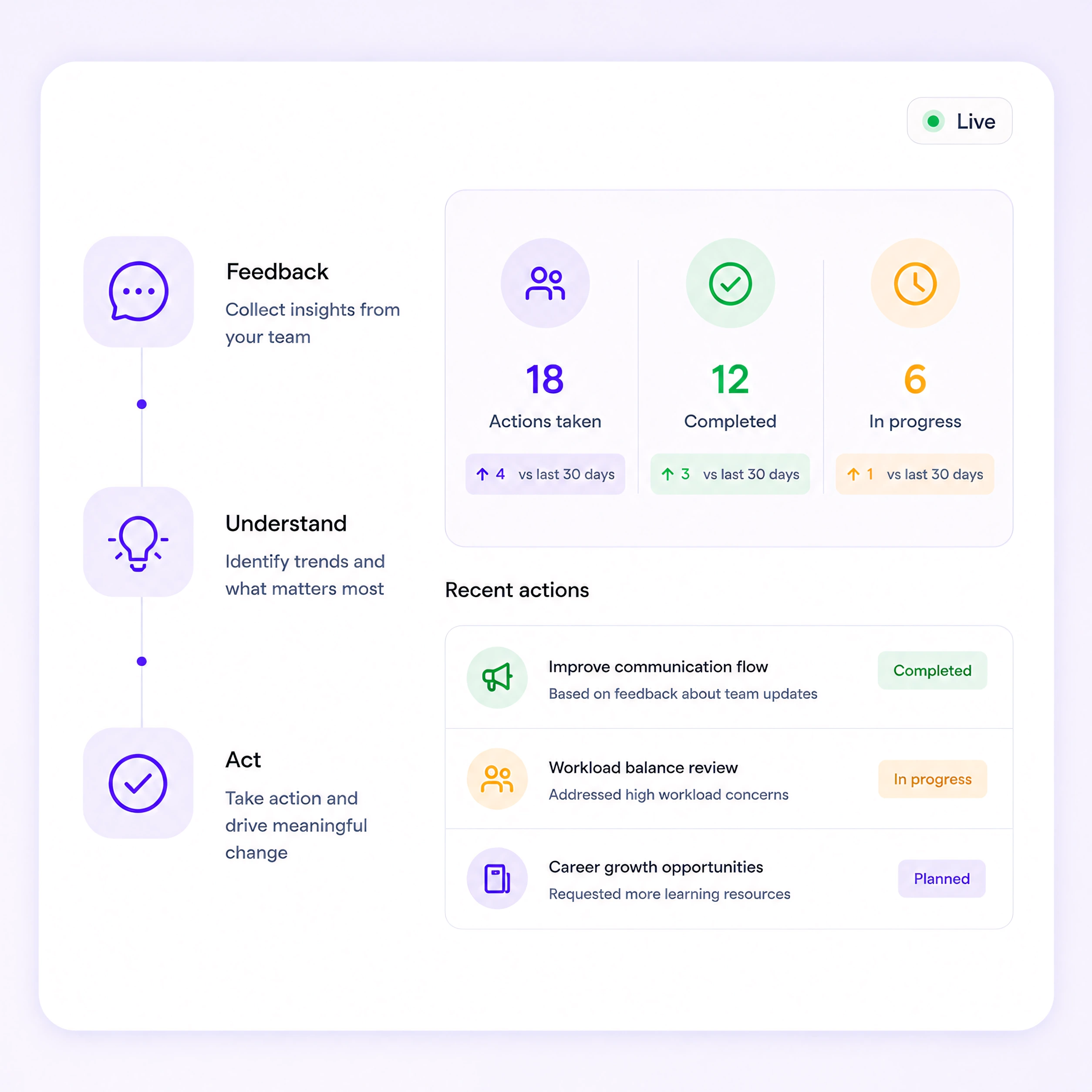
Employee feedback action tracking workflow
Move from pattern to practical question
Review patterns with relevant employee, manager, workload, operational, and process context before choosing a response.
Employee feedback themes and follow-up questions
Assign an owner and next action
Record the action, owner, due date, and status so feedback does not disappear after the report is viewed.
Assigned employee feedback actions and owners
Review what changed
Return at an appropriate point to confirm whether the action occurred, gather further context, and decide whether additional follow-up is needed.
Employee survey follow-up analysis

Your complete product toolkit

Performance Cycles

Comprehensive tools designed for enterprise-scale performance management and organizational development.

Learn More
Blue arrow pointing right with a stroke outline.
Performance Cycles Dashboard

Check-ins & 1-on-1s

Encourage regular manager-employee conversations. Keep progress visible, address challenges early, and build a culture of continuous feedback.

Learn More
Blue arrow pointing right with a stroke outline.
Check-ins & 1-on-1s

Calibration

Bring consistency to performance ratings. Ensure fairness, eliminate bias, and connect review outcomes directly to compensation decisions.

Learn More
Blue arrow pointing right with a stroke outline.
Calibration

PIPs (Performance Improvement Plans)

Provide clear steps for underperforming employees to improve. Track progress, set expectations, and ensure accountability with transparency.

Learn More
Blue arrow pointing right with a stroke outline.
Pips

Goals

Set and track SMART goals and competencies with clarity. Help employees stay focused on measurable outcomes that align with business priorities.

Learn More
Blue arrow pointing right with a stroke outline.
Goals

Feedback & Surveys

Comprehensive tools designed for enterprise-scale performance management and organizational development.

Learn More
Blue arrow pointing right with a stroke outline.
Feedback & Survey

Individual Development Plans

Help employees map their career growth. Create personalized learning paths that turn feedback into actionable development goals.

Learn More
Blue arrow pointing right with a stroke outline.
Development Plans

360 Reviews

Get a complete view of employee performance from peers, managers, and reports. Gain deeper insights that support balanced and fair evaluations.

Learn More
Blue arrow pointing right with a stroke outline.
360 Review

Why HR Teams Use Employee Feedback and Survey Software

Centralize employee feedback workflows

Manage pulse surveys, requested input, peer feedback, upward feedback, and follow-up through one controlled process instead of disconnected forms and files.

Protect confidentiality and access

Define eligible audiences, response visibility, administrator permissions, group thresholds, retention, exports, and appropriate access to comments. Review security controls, integration requirements, and notification workflows during evaluation.

Connect feedback to employee development

Move an approved theme into a goal, check-in topic, development plan, manager action, or follow-up survey without automatically converting feedback into a rating.

Track participation and follow-through

Review response status, reminders, approved reports, assigned actions, and progress without treating participation alone as proof of program success.

Your questions answered

Use these questions to evaluate feedback methods, confidentiality, administration, reporting, interpretation, integrations, and follow-up.

Evaluate Employee Feedback and Survey Workflows

Review survey design, feedback methods, permissions, confidentiality, reminders, reporting, integrations, and action tracking using your actual HR requirements.

Contact us

What is employee feedback software?

What types of employee feedback can PerformSpark collect?

What is the difference between a pulse survey and an annual employee survey?

Can employee feedback be anonymous or confidential?

How does 360-degree feedback differ from a pulse survey?

How often should HR run employee pulse surveys?

What should HR evaluate in employee survey software?

Does employee feedback software automatically improve engagement?

Review Employee Feedback Workflows With Your Requirements

See how PerformSpark supports pulse surveys, requested feedback, peer input, permissions, reporting, reminders, integrations, and action follow-through.

Contact Us
Text reading 'Potential starts here.' with 'here.' in blue.

Make performance reviews your growth lever

No credit card required • Free setup & training included • Cancel anytime

CTA ShapeCTA Shape